The designer is in control
Keep the tool flexible, without an enforced workflow. Designers can use Figma or leave it out.
HiFiveUI should connect code, Figma and prototypes, while remaining useful without requiring every part of that setup.
Product building · Design tooling
From “which screen?” to feedback you can act on.
A client needed to experience the behaviour, not just see the screens. HiFiveUI connects working prototypes with feedback that keeps its context.
Visit hifiveui.com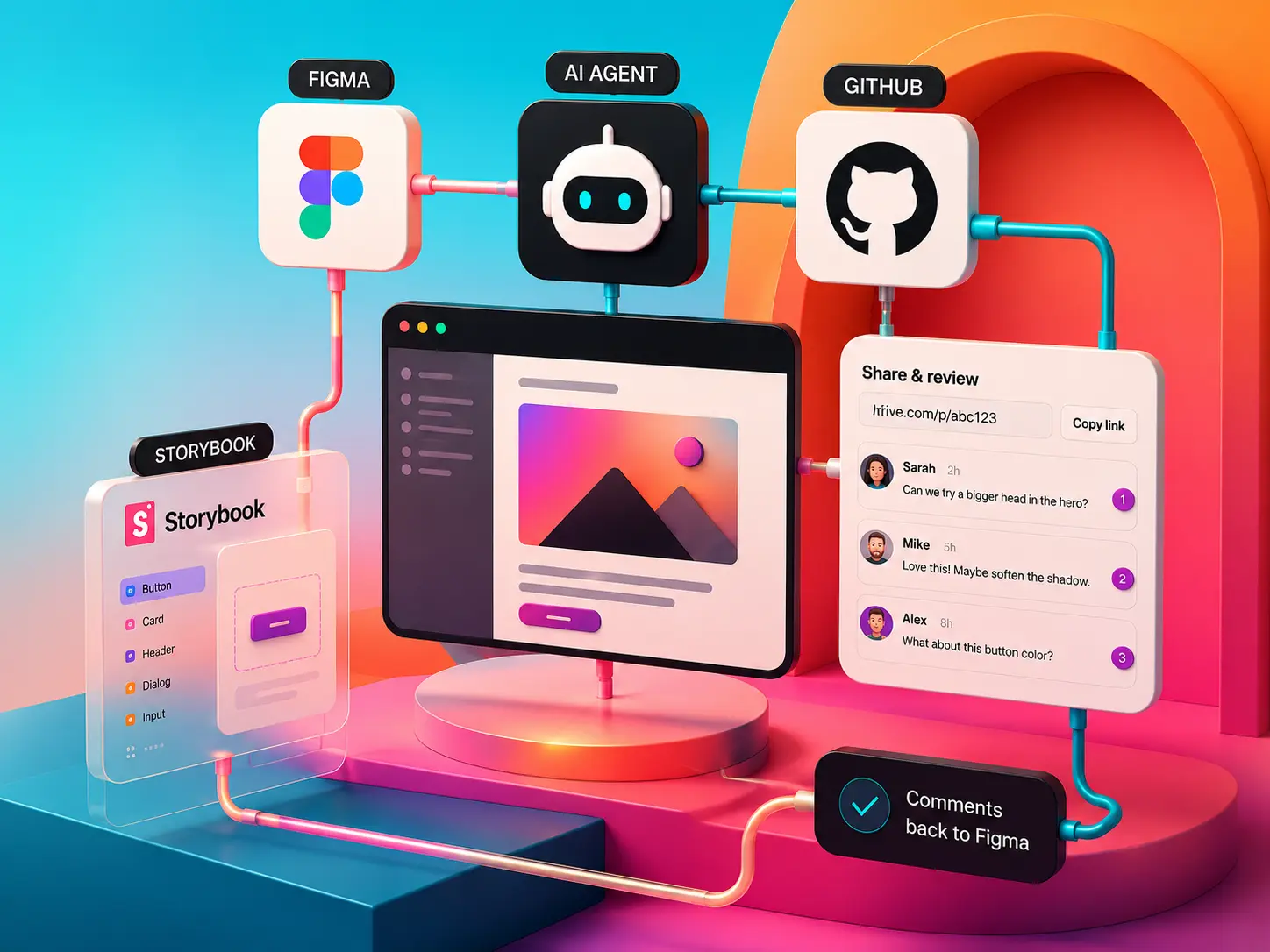 HiFiveUI · Product workflow illustration
New AI tools bring new challenges. Not every project allows the use of Claude Design, and Figma Make’s capabilities were still too limited for the workflow I needed.
As lead designer, I ran into a practical problem: we had started in Figma and now needed to take the design further. We needed more variants and more realistic prototypes that we could share and discuss with the client online.
We also needed to work faster while improving the quality of the design: use the right components in the right places, keep tokens and variables consistent, and give the client a prototype they could understand, access and use without friction.
There were several ways to solve parts of the problem, but none covered all our needs in a simple, elegant and affordable way. So I decided to design and build my own tool, with six goals:
I designed and built HiFiveUI entirely myself, using AI tools and workflows. A need from my client work as lead designer shaped the product: make behaviour reviewable and keep feedback tied to the screen, state and version.
Keep the tool flexible, without an enforced workflow. Designers can use Figma or leave it out.
HiFiveUI should connect code, Figma and prototypes, while remaining useful without requiring every part of that setup.
Agents should be able to read code and create designs in Figma too.
The workflow should support bringing work back into Figma, where designers can continue refining it.
Let users choose the AI agents they want to work with.
The tool should not tie them to a single agent or provider.
Use established patterns for version history and feedback.
Reviewing changes and leaving comments should feel natural, simple and easy to use.
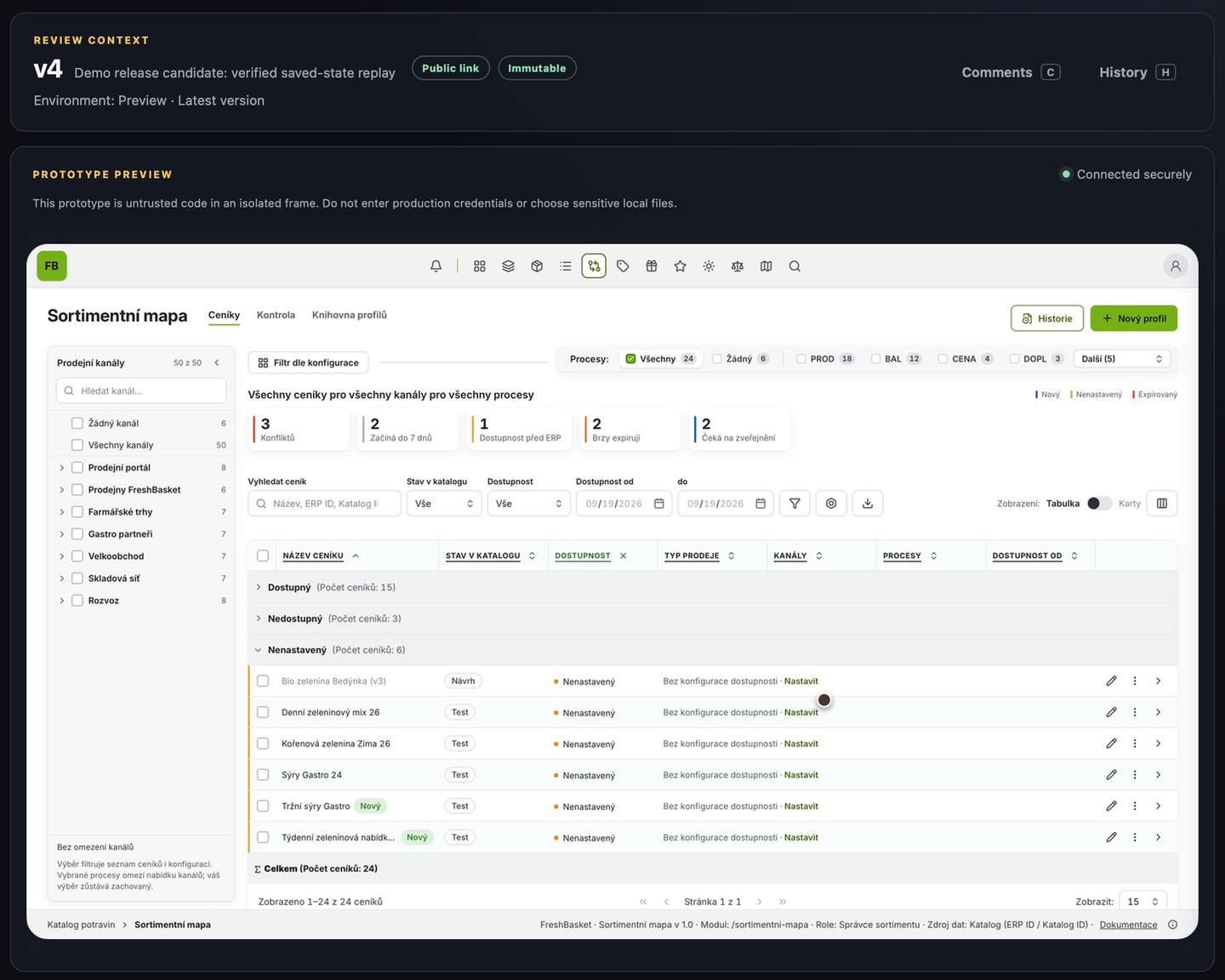
I delivered an early-access product with a working review environment, demonstrated with Grocery. It connects Figma, coded prototypes and contextual feedback. Adoption and review-time savings remain to be measured.
The Grocery prototype brings the workflow into view: table and card views, filtering, contextual comments, immutable version history, and cloud sharing.